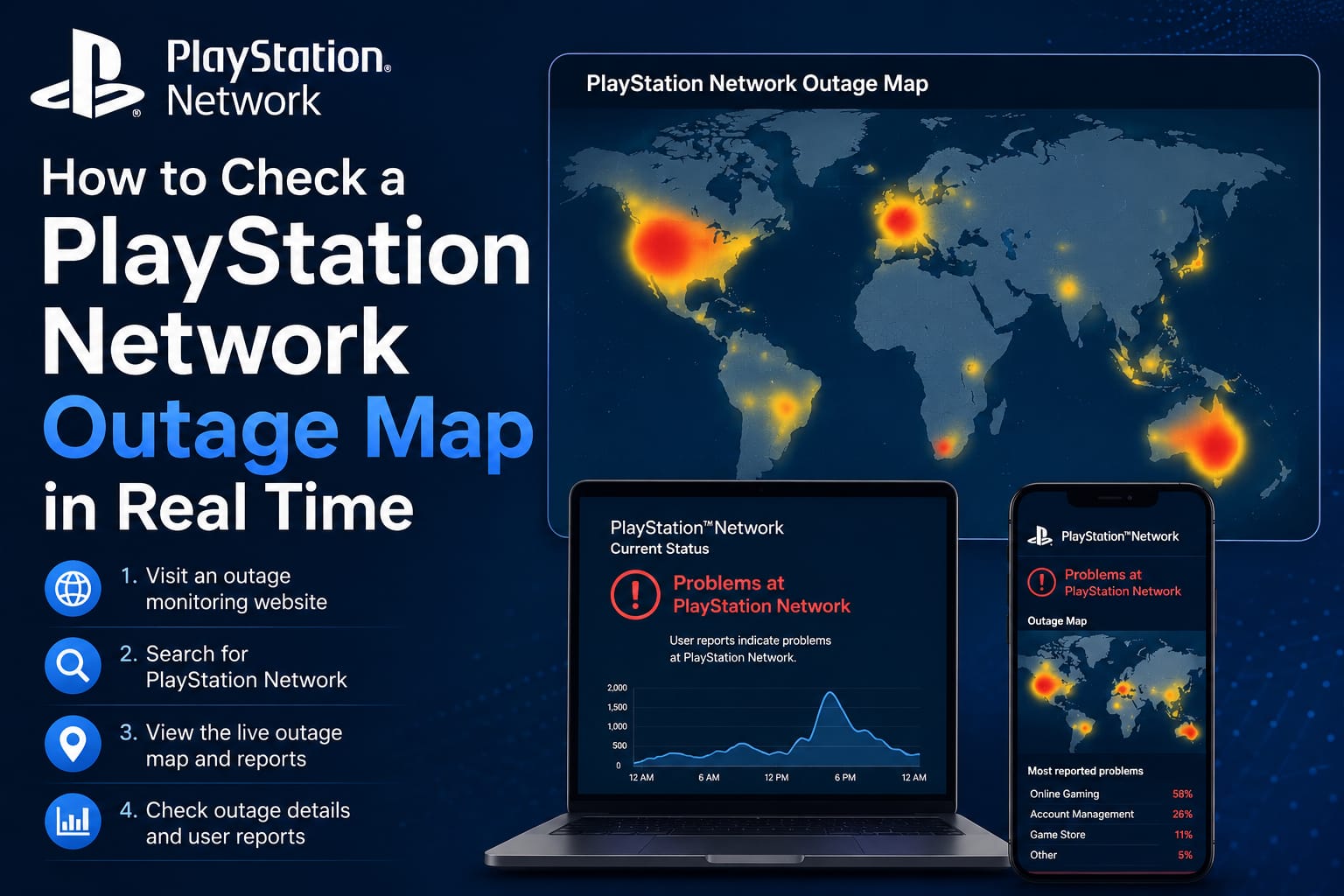
If you’ve ever grabbed your controller, fired up a game, and been met with a spinning wheel and a “cannot connect to PlayStation Network” message, you know the specific frustration a Sony PlayStation Network outage can bring. One minute you’re queuing up for a match, the next you’re refreshing Twitter to see if it’s just you or if the whole system is down.
PSN outages aren’t rare, and they aren’t new. From brief server hiccups that clear up in twenty minutes to the infamous 2011 PlayStation Network outage that kept the service dark for over three weeks, Sony’s online infrastructure has had its share of bad days. This guide walks through why PSN goes down, how to check a PlayStation Network outage map the moment something feels wrong, what history teaches us about these disruptions, and what you can actually do while you wait for service to come back.
Table of Contents
What Is a PlayStation Network Outage?
A PlayStation Network outage happens when Sony’s servers that power online multiplayer, the PlayStation Store, account sign-in, trophies, cloud saves, and other connected features stop responding properly. Depending on the cause, an outage can be:
- Partial — only certain features fail, like the Store or party chat, while sign-in and multiplayer still work
- Regional — affecting players in specific countries or continents while others experience no issues at all
- Full-scale — the kind of global shutdown that makes headlines, where nearly every PSN-dependent feature is unavailable
Modern PlayStation consoles rely heavily on network connectivity even for supposedly single-player experiences, since trophies, save syncing, and day-one patches all touch PSN in some way. That’s part of why even a short outage can feel so disruptive — it’s rarely just “online games” that stop working.
Common Symptoms of a PSN Outage
Most players first notice a problem through one or more of these signs:
- Error codes when trying to sign in (Sony assigns specific codes for connection failures)
- The PlayStation Store failing to load or purchases not completing
- Multiplayer lobbies stuck on “connecting” or failing to matchmake
- Remote Play refusing to connect to a console
- Trophy sync or cloud save errors
If you’re seeing any of these and your home internet otherwise seems fine, there’s a good chance the issue is on Sony’s end rather than yours.
Why Does the PlayStation Network Go Down?
There isn’t one single cause behind every PSN outage. Over the years, disruptions have stemmed from a mix of technical and, occasionally, security-related issues.
Server Overload and Traffic Spikes
Major game launches, free-to-play weekends, and big PlayStation Plus releases can send massive spikes of traffic to Sony’s servers all at once. Even well-provisioned infrastructure can buckle under an unexpected surge, especially during peak evening and weekend hours in North America and Europe.
Routine Maintenance
Sony regularly performs scheduled maintenance to update servers, patch software, and improve performance. These windows are usually announced in advance on the official PlayStation Network status page, and downtime is typically brief and predictable — a very different situation from an unplanned outage.
Technical and Infrastructure Failures
Hardware failures, faulty software deployments, or issues with third-party cloud infrastructure providers can all knock PSN offline unexpectedly. These outages tend to be harder to predict and can vary widely in length, from a few minutes to several hours.
Cyberattacks and Security Incidents
The most serious PSN outages in Sony’s history have been tied to security breaches or coordinated attacks, most notably the 2011 incident discussed below. More recently, outages in 2014 and 2025 drew renewed public attention to just how disruptive a widespread PSN failure can be, even when Sony hasn’t confirmed a security-related cause. In February 2025, for example, a major outage affected PlayStation 5, PS4, and even older PS3 consoles across nearly every region, with Downdetector logging tens of thousands of user reports within hours.
How to Check a PlayStation Network Outage Map in Real Time
When something feels off, checking a PlayStation Network outage map is the fastest way to figure out whether the problem is on Sony’s side or your own setup.
Step 1: Check the Official PlayStation Status Page
Sony maintains an official status page that lists the real-time status of every PSN service category — sign-in, gaming and social, PlayStation Video, the PlayStation Store, and more. This is the most authoritative source, since it reflects Sony’s own confirmed system status rather than user reports alone.
Step 2: Use a Crowdsourced Outage Tracker
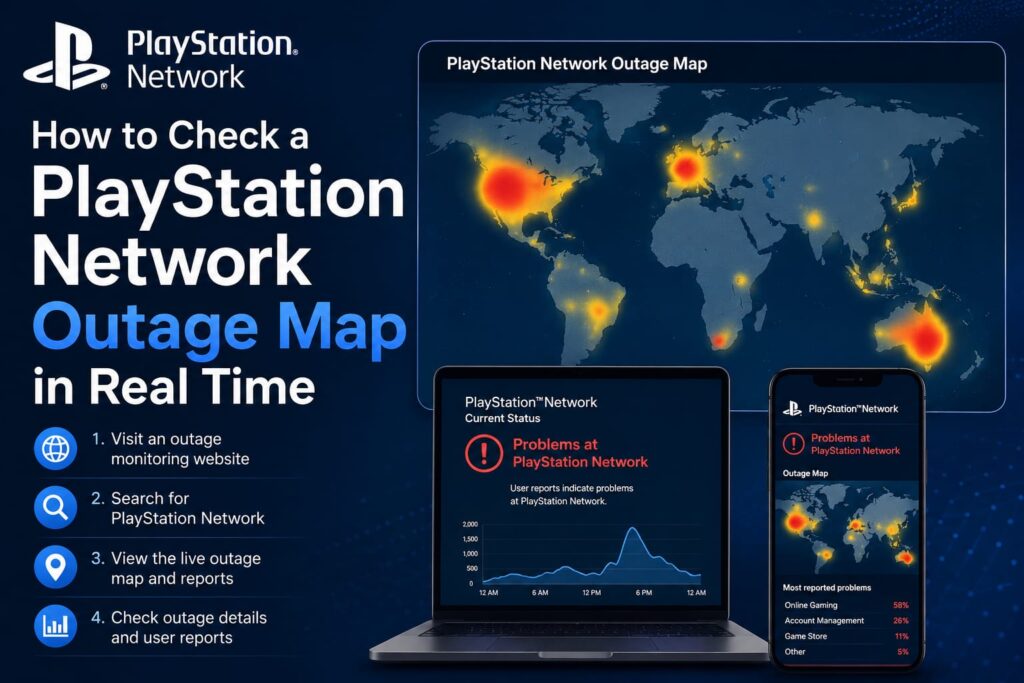
Sites like Downdetector aggregate real-time, user-submitted reports and plot them geographically. A PlayStation Network outage map on these platforms shows you:
- A spike chart of reported issues over the last 24 hours
- A world map with markers showing where reports are concentrated
- A breakdown of the most commonly reported problems (login errors, connection issues, Store failures, and so on)
If you see a wall of reports clustered in your region or across the globe, that’s a strong signal the outage is widespread and not a problem with your own router or ISP.
Step 3: Check Social Media
X (formerly Twitter) tends to light up within minutes of a major outage, often before status pages update. Searching “PSN down” or checking Sony’s official PlayStation support account can confirm whether the company has acknowledged the issue yet.
Step 4: Rule Out Local Issues
Before assuming it’s a full-blown outage, it’s worth a quick sanity check on your end:
- Restart your console and router
- Confirm your internet connection is stable by testing another device
- Check for pending system software updates
- Try signing in through the PlayStation App on your phone to see if the problem is console-specific
If the outage map is quiet and other devices connect fine, the issue is more likely local — something a restart or a check of your network settings can often resolve.
The 2011 PlayStation Network Outage: A Case Study in Crisis Response
No conversation about PSN downtime is complete without revisiting the 2011 PlayStation Network outage, still the most significant disruption in the service’s history and one of the largest data breaches ever recorded at the time.
What Happened
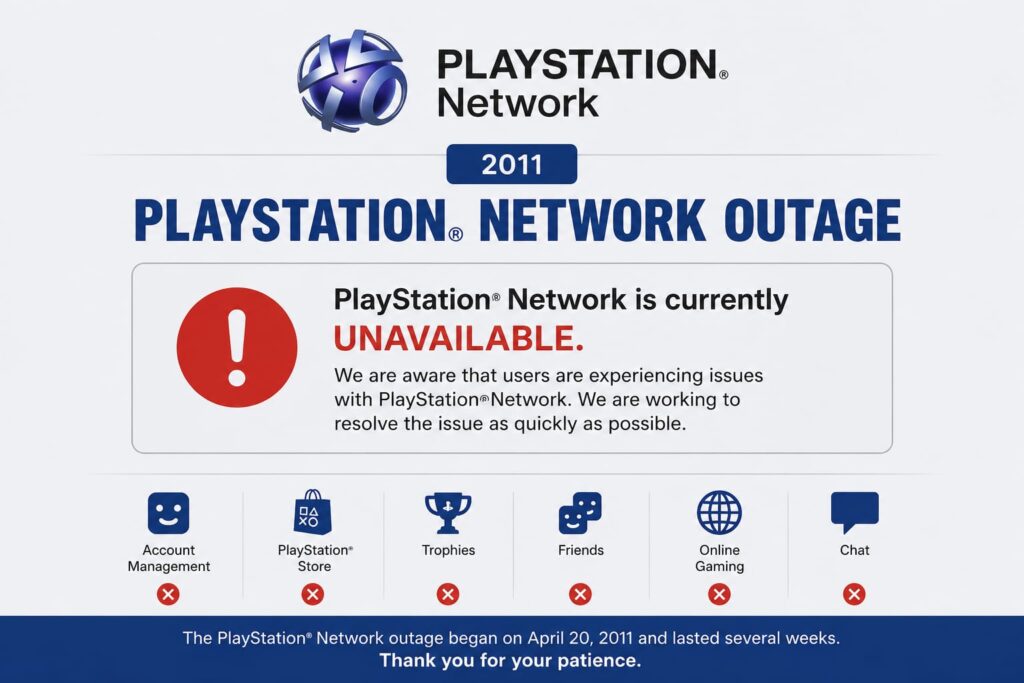
Sony detected an “external intrusion” into its PlayStation Network and Qriocity servers between April 17 and April 19, 2011. On April 20, the company shut down PSN entirely worldwide while it investigated. What started as a vague announcement about “maintenance” gradually turned into one of gaming’s biggest security stories.
The Scale of the Breach
The intrusion compromised personal information tied to roughly 77 million accounts, including usernames, passwords, home addresses, email addresses, and dates of birth. Sony later acknowledged it could not rule out that credit card data had also been exposed. At the time, it was one of the largest data breaches ever recorded, surpassing the well-known 2007 TJX breach that had affected around 45 million customers.
How Long the Outage Lasted
PSN stayed offline for roughly three and a half weeks — commonly cited as either 23 or 24 days depending on how the start and end dates are counted. Service began returning in stages starting around May 14, 2011, with full restoration taking additional time as Sony rolled out region by region.
Sony’s Response and Fallout
Sony faced heavy criticism for waiting nearly a week to publicly confirm that personal data had likely been exposed. The company’s response included:
- A formal apology and multiple public statements, including a press conference in Tokyo
- A “Welcome Back” program offering free PlayStation Plus membership and select downloadable content to affected users
- Regulatory scrutiny, including a £250,000 fine from the UK’s Information Commissioner’s Office for inadequate data security
- An estimated total cost to Sony of well over $170 million when accounting for investigation, remediation, and customer compensation
Why the 2011 Outage Still Matters
The 2011 incident reshaped how the gaming industry thinks about online security. It pushed Sony to overhaul its network security architecture and became a widely cited case study in cybersecurity courses and corporate incident-response planning. It’s also a useful reminder for players today: even major platforms with enormous engineering resources aren’t immune to extended downtime, and having a plan for what to do when it happens is worth knowing.
What to Do During a PlayStation Network Outage
Whether it’s a five-minute hiccup or something more serious, a few practical steps can make the wait less frustrating.
Stay Informed Without Refreshing Constantly
Bookmark the official PlayStation status page and a reliable outage-tracking site so you can check both quickly instead of guessing. Following PlayStation’s official support account on social media also means you’ll see restoration updates as soon as they’re posted.
Play Offline-Capable Content
Many games have single-player campaigns, offline modes, or local multiplayer options that don’t require a PSN connection. Keeping a few offline-friendly titles installed means an outage doesn’t have to mean no gaming at all.
Avoid Repeated Login Attempts
Continuously mashing the sign-in button doesn’t speed up server recovery and can occasionally add unnecessary load during an already strained period. One attempt every so often is enough to check whether things are back.
Protect Your Account Regardless of the Cause
Outages tied to possible security incidents are a good prompt to review your account hygiene generally:
- Use a strong, unique password for your PlayStation account
- Enable two-factor authentication if you haven’t already
- Avoid reusing your PSN password on other sites
- Watch for phishing emails that pretend to be official Sony communications during high-profile outages, since scammers often try to exploit the confusion
Frequently Asked Questions
Is PlayStation Network down right now? The fastest way to find out is checking Sony’s official PlayStation status page alongside a live outage-tracking site. If both show a spike in reports or a confirmed service disruption, PSN is likely experiencing an outage rather than the problem being isolated to your device.
How long do PlayStation Network outages usually last? Most outages resolve within a few hours, and scheduled maintenance windows are typically even shorter. Extended outages lasting days are rare — the 2011 incident, which lasted over three weeks, remains a historical outlier rather than the norm.
What was the cause of the 2011 PlayStation Network outage? Sony confirmed the 2011 outage resulted from an external intrusion into its network that compromised personal data for approximately 77 million accounts, prompting the company to shut down PSN entirely while it investigated and rebuilt its security systems.
Will I lose progress or purchases during a PSN outage? Generally, no. Outages affect connectivity, not stored data. Cloud saves and purchase records are preserved on Sony’s servers and typically sync again once service is restored, though it’s wise to avoid disconnecting your console mid-save if possible.
How can I get notified when PSN service is restored? Many outage-tracking platforms offer alert or notification features, and following PlayStation’s official social media accounts is usually the quickest way to see a restoration announcement in real time.
Final Thoughts
A Sony PlayStation Network outage can range from a minor inconvenience to, in the case of 2011, a genuinely significant event in gaming and cybersecurity history. Knowing how to quickly check a PlayStation Network outage map, understanding what typically causes downtime, and having a few offline games ready to go can turn a frustrating evening into a minor speed bump.
Next time your console won’t connect, don’t just assume the worst — check the official status page and a live outage map first, and bookmark this guide so you know exactly what to do next time PSN takes an unexpected break.
Outages aren’t limited to gaming services. Popular platforms like Twitter (X) can also experience unexpected downtime. Read our Twitter Outage Map & Status guide to learn how to check live outage reports, monitor affected areas, and confirm whether the issue is on your end or a global service disruption.